

Streamlining AQR Talent Acquisition Workflow
Reducing Clicks, Cognitive Load, and Time-to-Hire in an HR Software Platform
Introduction
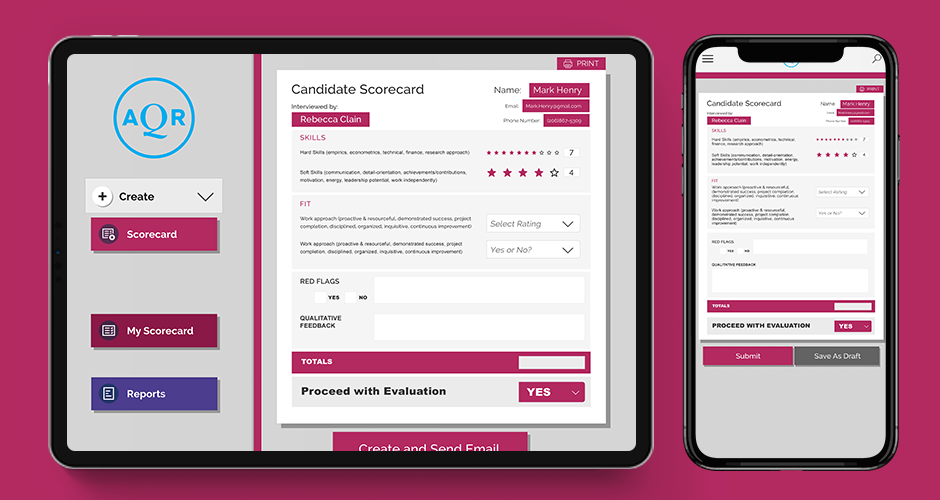
AQR is an enterprise Human Resources platform used to manage the end-to-end Talent Acquisition lifecycle, including requisition creation, candidate review, interview scheduling, and hiring decisions. Recruiters reported that critical tasks required excessive navigation across multiple screens, contributing to slower hiring cycles and frustration among HR teams.
My Role: Lead UX/UI Designer
Project Duration: 12 weeks
Team: Product Owner, HR SMEs, UX Researcher, Engineering Lead
Tools: Figma, FigJam, Jira, Miro, Google Analytics, Optimal Workshop
Goal
Restructure navigation and optimize the Talent Acquisition workflow in order to:
- Reduce the number of clicks to complete core tasks
- Improve recruiter efficiency and task completion speed
- Create a more intuitive, modern, centralized workflow
- Increase system adoption and overall talent pipeline velocity
The Problem
Recruiters relied heavily on AQR for daily hiring operations, yet key tasks were:
- Spread across 7+ navigation pathways
- Hidden behind inconsistent labels and duplicated menu items
- Requiring up to 22 clicks to complete a standard candidate evaluation
- Reported to cause frequent errors and incomplete candidate updates
As one recruiter put it:
“I spend more time clicking through screens than actually evaluating the candidate.”
The UX challenge: Simplify the path to the core actions that move hiring forward.
Research Approach
Methods
| Research Method | Purpose |
|---|---|
| Stakeholder & SME Interviews | Understand hiring workflows and bottlenecks |
| Recruiter Task Observations | Document actual vs. intended behavior |
| Current Sitemap Audit | Identify redundancy, confusing IA, and click depth |
| Clickstream Data Analysis | Determine most frequent interaction patterns |
| Competitive Benchmarking | Review UX patterns from Workday, Lever, Greenhouse |
Key Insights
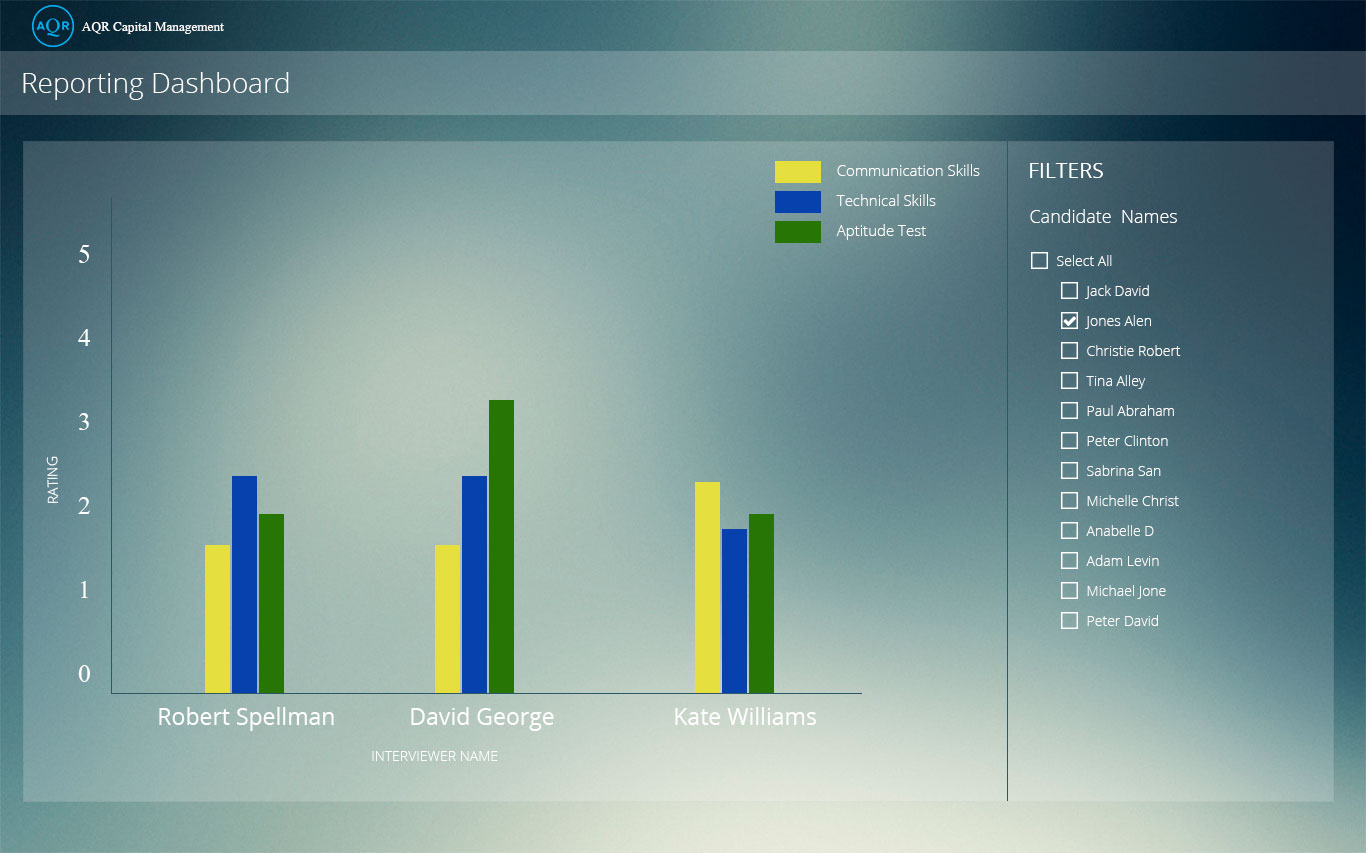
From 14 interviews and task observations across 3 recruiting teams:
- Recruiters frequently switched between requisition → candidate → calendar screens
- Candidates with similar names made search and filtering error-prone
- Over 60% of required fields were not needed at early review stages
- Hiring managers struggled to find interview feedback history
- Clickstream showed repeated backtracking due to unclear action pathways
Sitemap Analysis
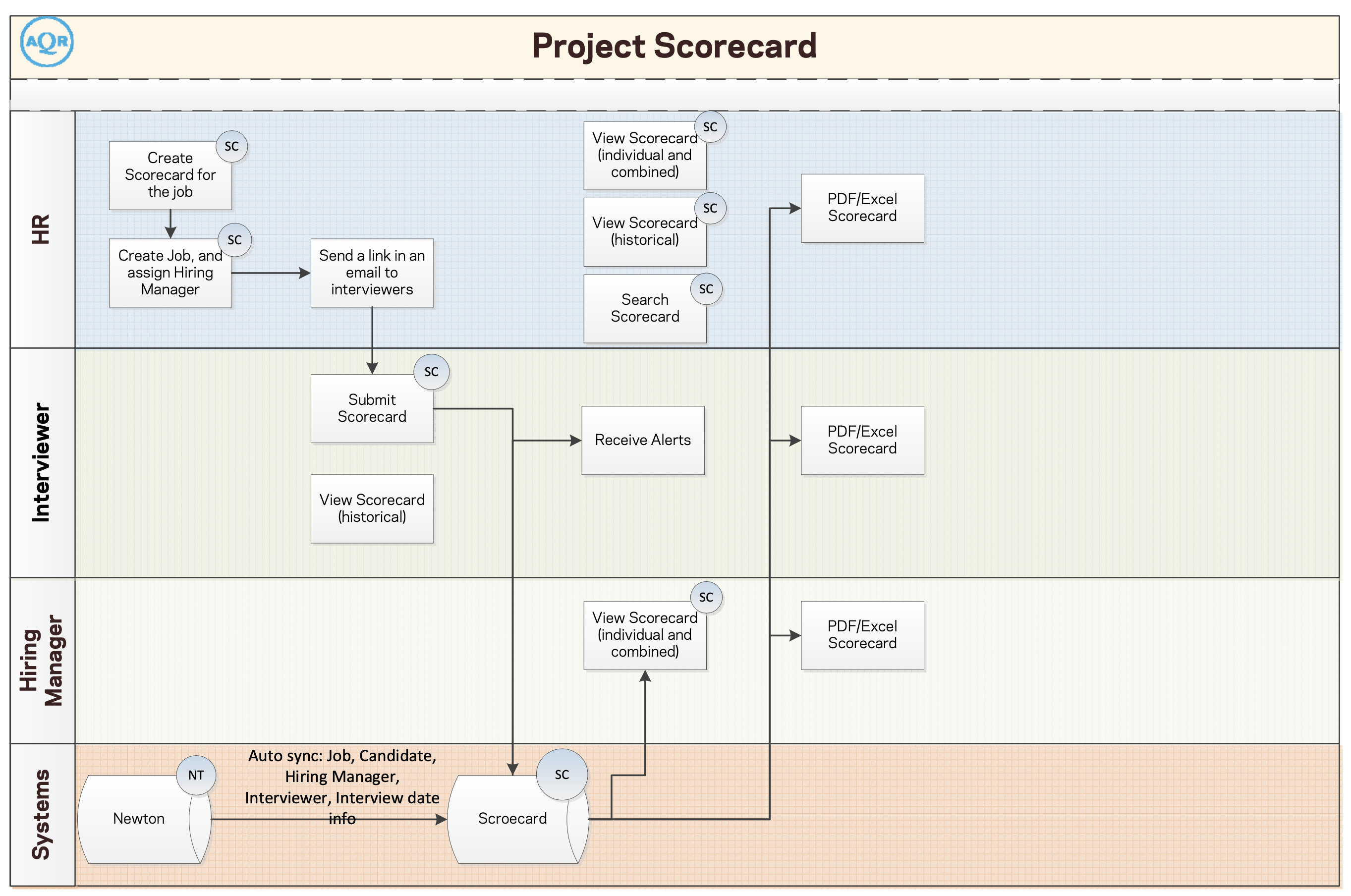
Before — Issues Identified
- Deep navigation (up to 5 levels)
- Redundant menu items: Jobs / Requisitions / Open Roles — all partly overlapped
- Candidate data spread across multiple subpages
- No persistent “context” about candidate or job while navigating
After — Optimized Information Architecture
Primary Navigation Reduced from 9 to 5 items:
- Dashboard
- Requisitions
- Candidates
- Interviews
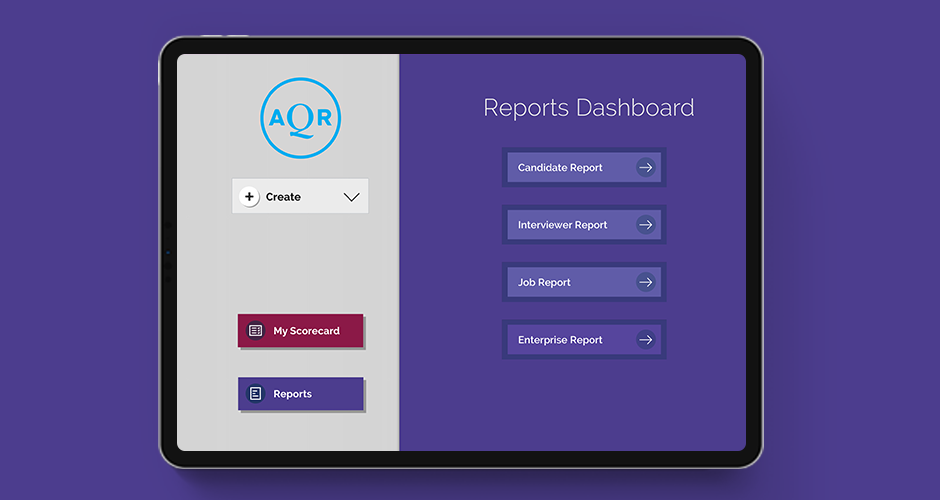
- Reports
Contextual quick actions added:
- “Evaluate Candidate” (single location)
- “Schedule Interview”
- “Send Decision to HRIS”
Design Improvements
1. Introduced a Unified Candidate Profile Panel
Previously: 4–6 subpages
Now: One expandable context pane showing:
- Resume & attachments
- Evaluation notes
- Hiring manager feedback
- Interview status & availability
- Decision actions
Result: ~40% fewer page transitions
2. Created a Guided Hiring Flow
Three key steps surfaced inline:
- Review Resume
- Add Evaluation
- Move to Stage (Reject / Interview / Offer)
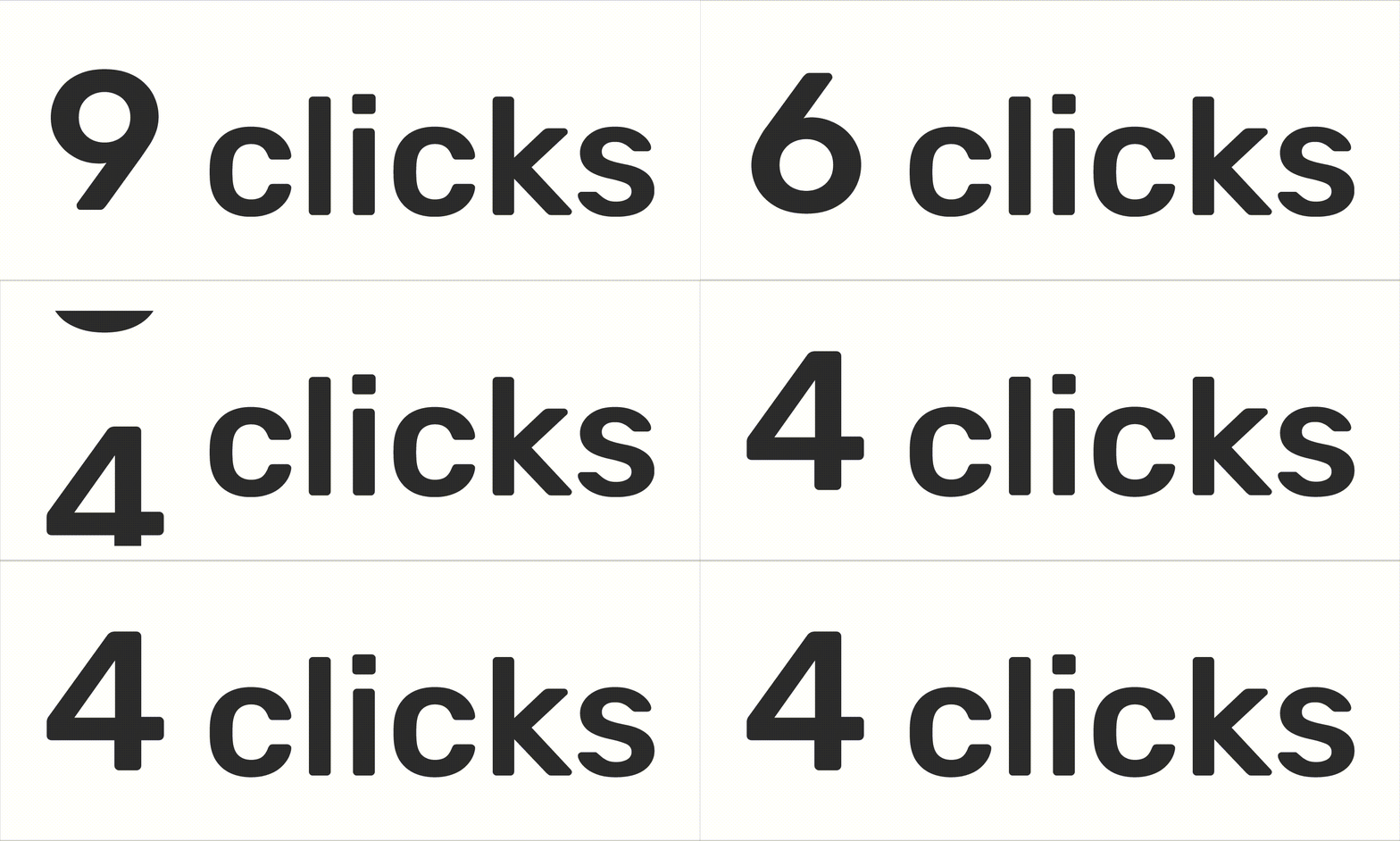
Reduced clicks from 22 → 8 for core actions.
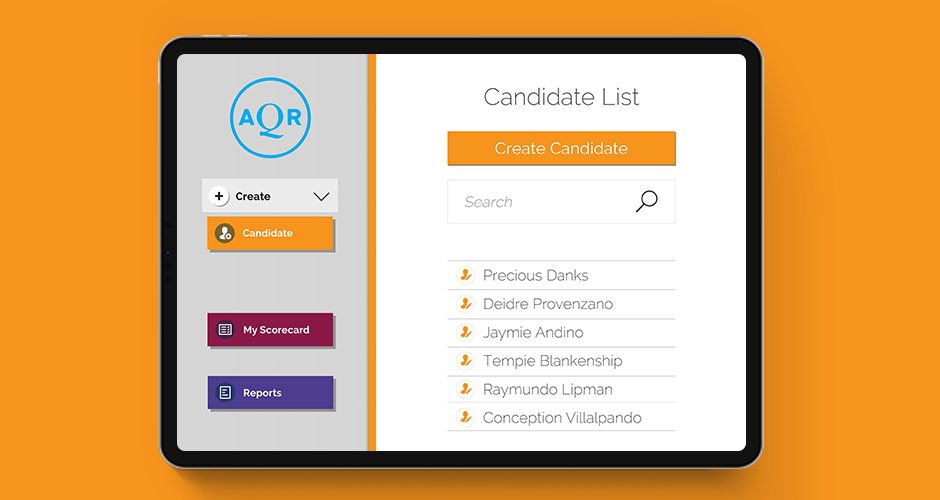
3. Added Quick Filters & Smart Search
- Keyword, skills, and experience tagging
- Auto-dedupe for similar candidate names
Result: Less search time + far fewer candidate selection mistakes.
Usability Results
| Measurement | Before | After |
|---|---|---|
| Avg clicks to complete evaluation | 22 | 8 |
| Avg time spent per candidate | 11 min | 5.5 min |
| Navigation errors during testing | 37% | 8% |
| Recruiter satisfaction (SUS) | 62 | 87 |
Recruiter feedback highlight:
“This flow lets me evaluate twice as many candidates in the same time. Game changer.”
Impact & Next Steps
Business Outcomes
✔ Faster hiring cycles and reduced recruiter workload
✔ Improved hiring manager collaboration
✔ Higher-quality candidate evaluation due to better data visibility
✔ Scalable IA foundation for future HR modules
Future Enhancements
- Mobile-first flows for recruiting on-the-go
- Automated skill extraction via AI
- Integrations with LinkedIn and labor market analytics
- Machine-learning candidate ranking
Conclusion
This project demonstrated how a data-driven UX approach and a streamlined information architecture can directly improve hiring velocity and HR team effectiveness. By reducing clicks and simplifying workflow paths, AQR now better supports the critical work of finding and hiring talent—faster, more accurately, and with less cognitive strain.